Complete NYSC Registration Guide 2026: Step-by-Step Process
If you just finished university and you’re wondering how to register for NYSC, this guide will show you everything you need to know. No long story, just the important steps.
Who Can Register for NYSC?
Before you start registration, make sure you qualify:
- You graduated from a recognized Nigerian university or polytechnic
- You’re under 30 years old at graduation
- You have your original credentials ready
- You completed the mandatory one-year program (no carry over)
If you studied abroad, you need to verify your certificate with the institution that issued it first.
Documents You Need
Get these documents ready before you start:
- Your institution’s clearance letter
- Original birth certificate or age declaration
- Local Government Identification Letter
- Certificate of medical fitness (from a government hospital)
- Valid email address and phone number
- Passport photographs (recent, white background)
- Your institution’s senate-approved result
Keep digital copies of everything on your phone or laptop. You’ll need to upload them.
Step-by-Step Registration Process
Step 1: Visit the NYSC Portal
Go to portal.nysc.org.ng on your browser. Use laptop or desktop for better experience, phone can frustrate you during upload.
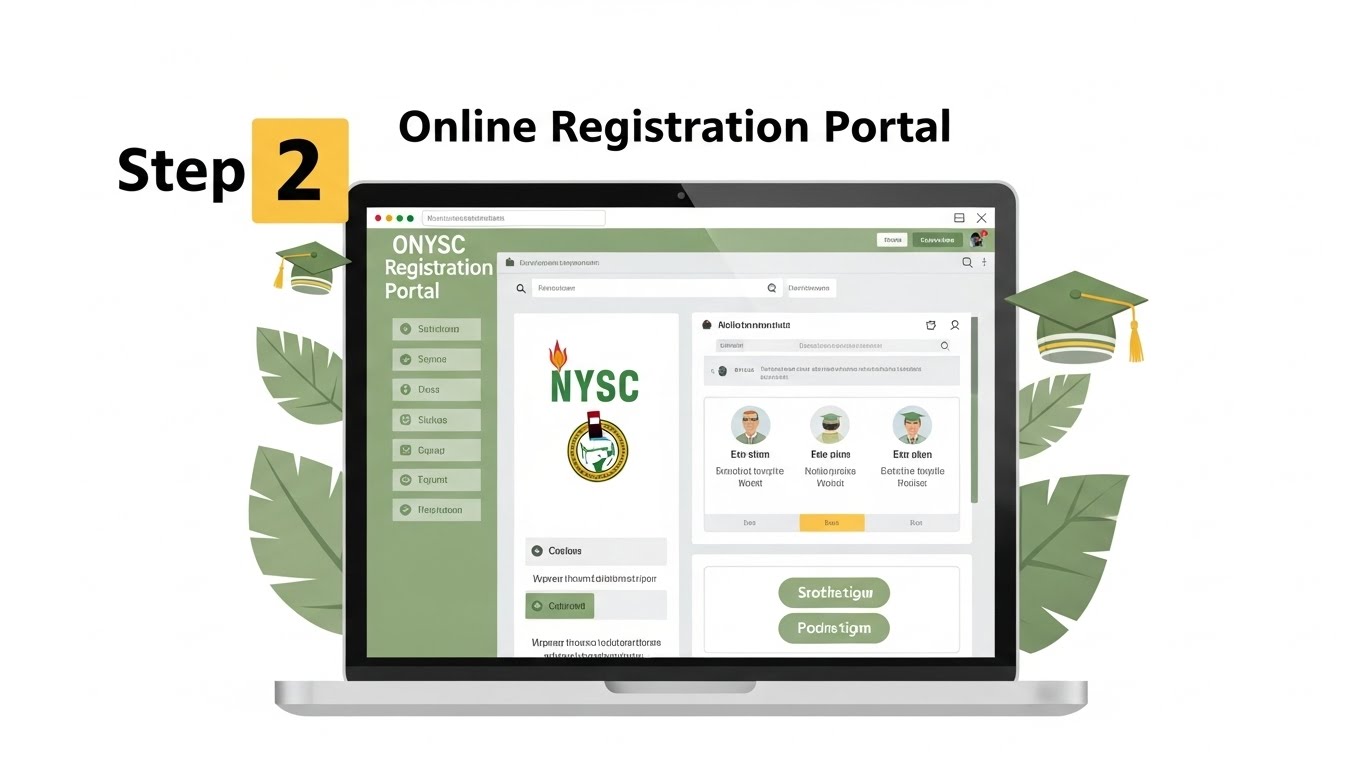
Step 2: Create Your Account
Click on “Register” and fill in:
- Your email (use one you check regularly)
- Create a strong password
- Fill your personal details exactly as they appear on your credentials
Check your email for verification link and click it. If you no see am, check spam folder.
Step 3: Login and Start Registration
After verification, login with your email and password. You’ll see the registration dashboard.
Click “Start Registration” and follow the steps:
Personal Information:
- Full name (as it appears on your certificate)
- Date of birth
- Gender
- State of origin
- Local Government Area
- Marital status
Contact Details:
- Phone number (the one you dey use)
- Email address
- Next of kin information
- Permanent home address
Educational Information:
- Institution attended
- Course of study
- Year of graduation
- Matriculation number
- Certificate type (HND, BSc, etc.)
Step 4: Upload Your Documents
This part dey important well well. Make sure:
- All documents are clear and readable
- File sizes are not too large (usually below 2MB)
- Format is JPG or PDF as specified
- Your face is visible in passport photos
Upload each document in the right section. The portal will tell you if any upload fail.
Step 5: Select Your State Preference
You can choose up to 3 states where you want to serve. But note:
- Your choice is not guaranteed
- NYSC can post you anywhere based on need
- Some states are more likely than others
If you have valid reasons for a specific state (health, marriage, etc.), you can apply for redeployment later.
Step 6: Print Your Registration Slip
After submitting everything successfully:
- Print out your registration slip
- Keep both physical and digital copies
- You’ll need it for call-up letter collection
Don’t lose this slip. It’s your proof of registration.
Common Registration Errors and Solutions
“Email already exists” Solution: You probably registered before. Click “Forgot Password” to reset and login.
Documents not uploading Solution: Reduce the file size. Use online compressor or take clearer photos. Make sure your internet is strong.
Name mismatch error Solution: Your name must match exactly on all documents. If you get this error, contact your institution’s registry to correct it before continuing.
Invalid matriculation number Solution: Double-check the number. If it’s correct but still showing error, contact NYSC help desk with your institution’s clearance letter.
Portal is slow or not loading Solution: Try early morning (6am-9am) or late night (10pm-12am) when fewer people are online. Clear your browser cache too.
Important Deadlines
NYSC registration typically opens 4-6 weeks before orientation camp. Check the official NYSC website or their social media for exact dates for your batch.
Don’t wait till last minute. Network go frustrate you, and portal fit crash when everybody rush.
After Registration: What Next?
Once you complete registration:
- Wait for your call-up letter (usually 2-4 weeks before camp)
- Check your email and the portal regularly
- Download and print your call-up letter when ready
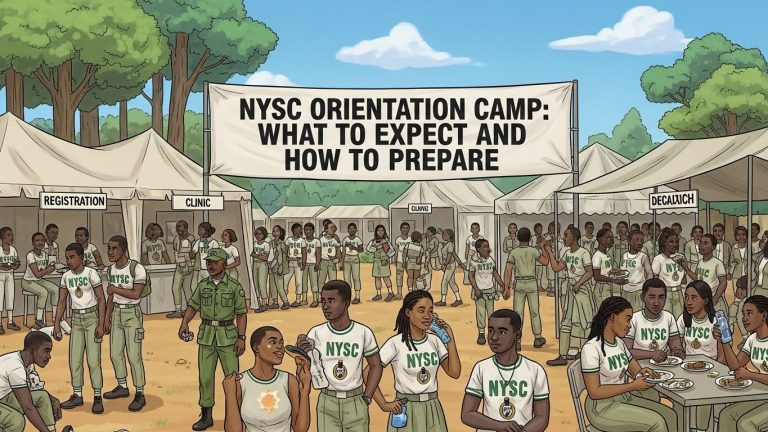
- Start preparing for orientation camp
Your call-up letter will show:
- Your state of deployment
- Orientation camp location
- Reporting date
- What to bring
Registration Fees
Good news: NYSC registration is completely FREE. If anyone asks you for money to register, it’s a scam. Report them.
The only money you might spend is for:
- Medical fitness certificate (around ₦1,000-₦3,000)
- LGA identification letter (varies by LGA)
- Printing documents and passport photos
Frequently Asked Questions
Can I register if I have a carry over? No. You must clear all carry overs and get your final certificate before NYSC registration.
What if I’m above 30 years? You need to apply for exemption certificate instead of registering for service.
Can I change my information after submitting? Some information can be edited before final submission. After submission, you’ll need to contact NYSC office with evidence to make changes.
What if I miss the registration deadline? You’ll have to wait for the next batch. NYSC has 3 batches yearly (A, B, C), so you won’t wait too long.
Do I need to go to NYSC office physically? No, registration is 100% online. Only visit NYSC office if you have issues you can’t resolve online.
Important Tips
- Use a strong internet connection when registering
- Save your registration details somewhere safe
- Keep checking your email for updates
- Join NYSC WhatsApp groups to get updates from other corps members
- Start gathering your documents early
- If you encounter serious issues, contact NYSC customer care
Contact NYSC for Help
If you have problems during registration:
- Email: contactus@nysc.gov.ng
- Visit your state NYSC office with your credentials
- Check NYSC official social media for updates
Registration is straightforward if you have all your documents ready. Don’t panic, just follow the steps carefully and you’ll complete it successfully.
Good luck with your service year!